



A practical guide to the CrealityOfficialStore Halloween sale page, its featured product categories, and the checks that help you confirm an offer before ordering.
A seasonal sale page can be useful when it gathers products and promotions in one place, but the headline alone does not tell you which model, bundle or material is actually a fit. We reviewed the current US store pages and product listings to explain how this promotion is organized and what to verify on the item page.
The range includes entry-level FDM printers, multicolor systems, large-format machines, scanners and filament. The sale page also links seasonal print ideas and accessories, so a reader looking for a complete setup may need to compare more than the printer itself.
Heads-up: we earn a commission from some links in this article. It never changes the price you pay.
The short version: The CrealityOfficialStore Halloween sale is a set of product-category and featured-item listings, not one blanket offer that applies to every printer. Start with the model that suits your projects, open its listing from the sale page, and confirm the selected configuration, availability and terms before checkout.
The Halloween sale page groups several kinds of offers
The store’s Halloween sale page is organized by new arrivals, featured picks, filament, upgrades and seasonal projects. That structure is helpful for browsing, but there is no single eligible-product list implied by the page title. Listings may lead to a standard product page or a bundle option, each with its own stock and configuration details. Use the sale directory to find the relevant section first.
For a printer purchase, use the sale landing page as a directory and then inspect the linked item. The 3D printer collection makes it easier to compare the wider range if the featured selection is not a match. Shoppers already buying materials can browse the filament section of the seasonal page, while people adding a component should check whether the accessory is compatible with their exact printer model.
- New arrivals: useful for shoppers open to a newer model or pre-order listing.
- Featured picks: a short route to promoted machines, but not a substitute for reading configuration details.
- Filament and upgrades: relevant if you already own a compatible printer and know which material or part you need.
- Seasonal projects: inspiration for prints, rather than proof that a particular machine is discounted or included.
For this reason, compare the offer shown on the destination page with the actual product title in your cart. The store advertises selected products with shipping benefits, a 14-day return and refund policy, a warranty guarantee and lifetime customer support. Its return policy sets conditions around the return window and item condition, so review those terms for the product you select.
SPARKX i7 suits compact everyday FDM projects
The SPARKX i7 Series 3D Printer is a desktop FDM option with a 260 × 260 × 255 mm build volume. Creality lists automatic bed leveling, direct drive, an AI camera and support for PLA, PETG and TPU. For a hobby desk, classroom or first printer, those features reduce setup decisions while leaving room for functional parts and small models. Check the i7 specifications against your regular projects.
The standard listing and add-on configurations are distinct choices. The product page describes the i7 with CFS Lite or CFS Nano options for multicolor printing. A bundle can suit a maker who wants multi-material capability from the start; a single-machine setup is simpler if one-color prints meet the need. Check which feeder and accessories are included in the selected variant on the SPARKX i7 listing, and compare its available configurations.
The i7 fits shoppers who value a guided setup and optional color workflow more than a very large build area. Creality lists a quick-swap hotend, textured PEI build plate and automatic leveling. These are convenience features, not a guarantee that every material will work without adjustment. Read the full i7 specifications and confirm the sale page points to the intended i7 configuration.
Ender-3 V3 SE keeps the entry setup straightforward
The Ender-3 V3 SE 3D Printer is a direct route into FDM printing. Creality describes CR Touch auto-leveling, quick assembly and a stated maximum speed of 250 mm/s. Its open-frame design keeps the print area accessible for adjustments, with less enclosure than a flagship machine. See the Ender-3 V3 SE listing for current options.
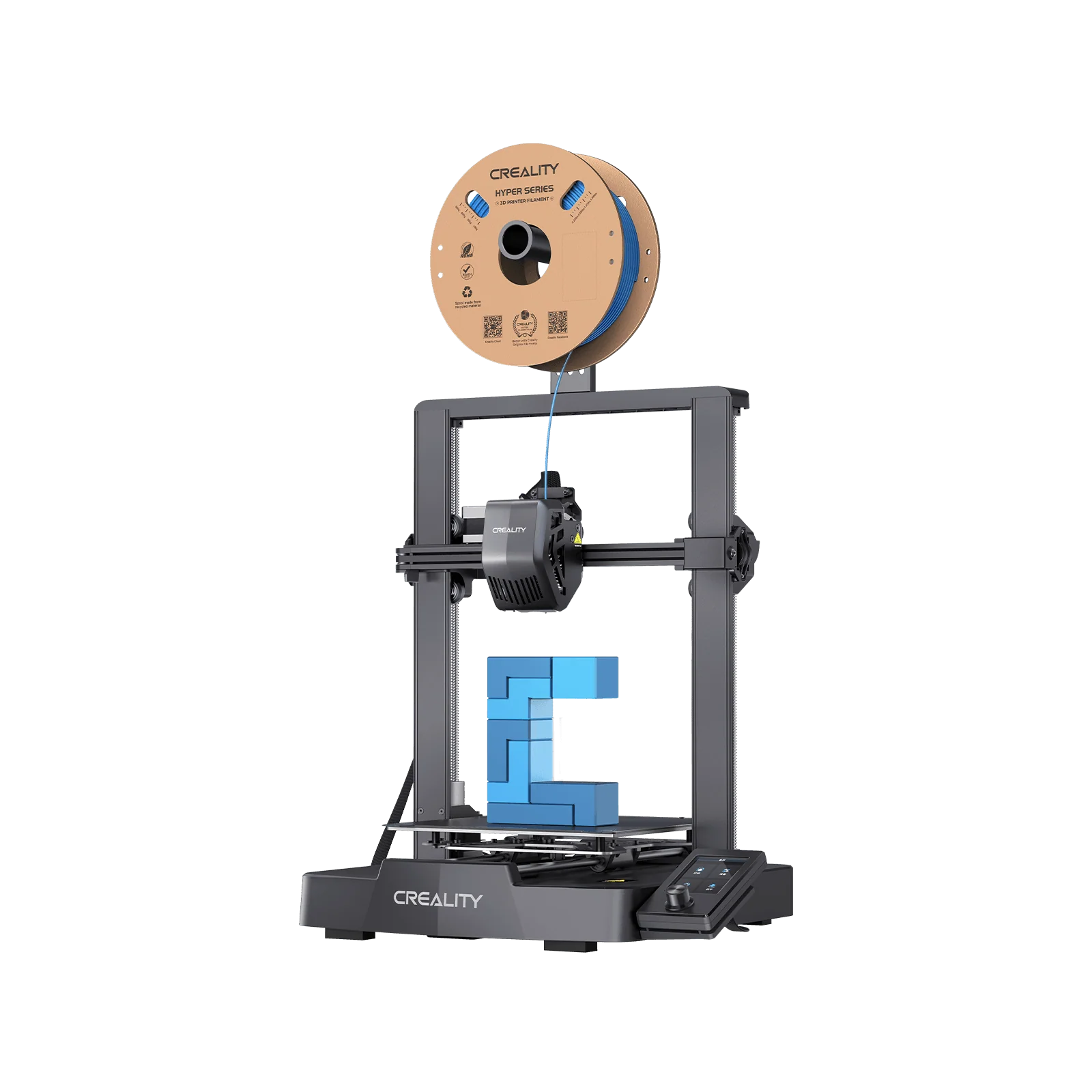
This model suits ordinary PLA projects, learning the basics or smaller household parts without a multicolor system. It is less compelling if you need a larger print volume, an enclosure or automated material changes. That makes the Ender-3 V3 SE a straightforward starter option when your projects stay within its format. Check the Ender-3 V3 SE product page for availability and included parts, then compare its bundle variations with the sale picks.
- Choose an open-frame starter machine if learning and basic single-material prints are the priority.
- Choose an i7 configuration if the listed camera, quick-swap hotend or multicolor options matter to your workflow.
- Consider a larger enclosed model if your projects regularly exceed a desktop build area or need a different material environment.
The deal itself should not make the decision for you. On the current Ender-3 V3 SE listing, compare the exact model name and included accessories with the card you reached from the promotion page. Bundles can combine a printer with another product, and a similar-looking title may describe a different configuration.
K2 Plus Combo is built for larger multicolor work
The K2 Plus Combo 3D Printer targets larger projects, with a 350 × 350 × 350 mm build volume for props, prototypes or batches of components. The Combo includes CFS for multicolor printing, suiting makers who want a bundled color workflow. Review the K2 Plus Combo listing for its selected configuration.
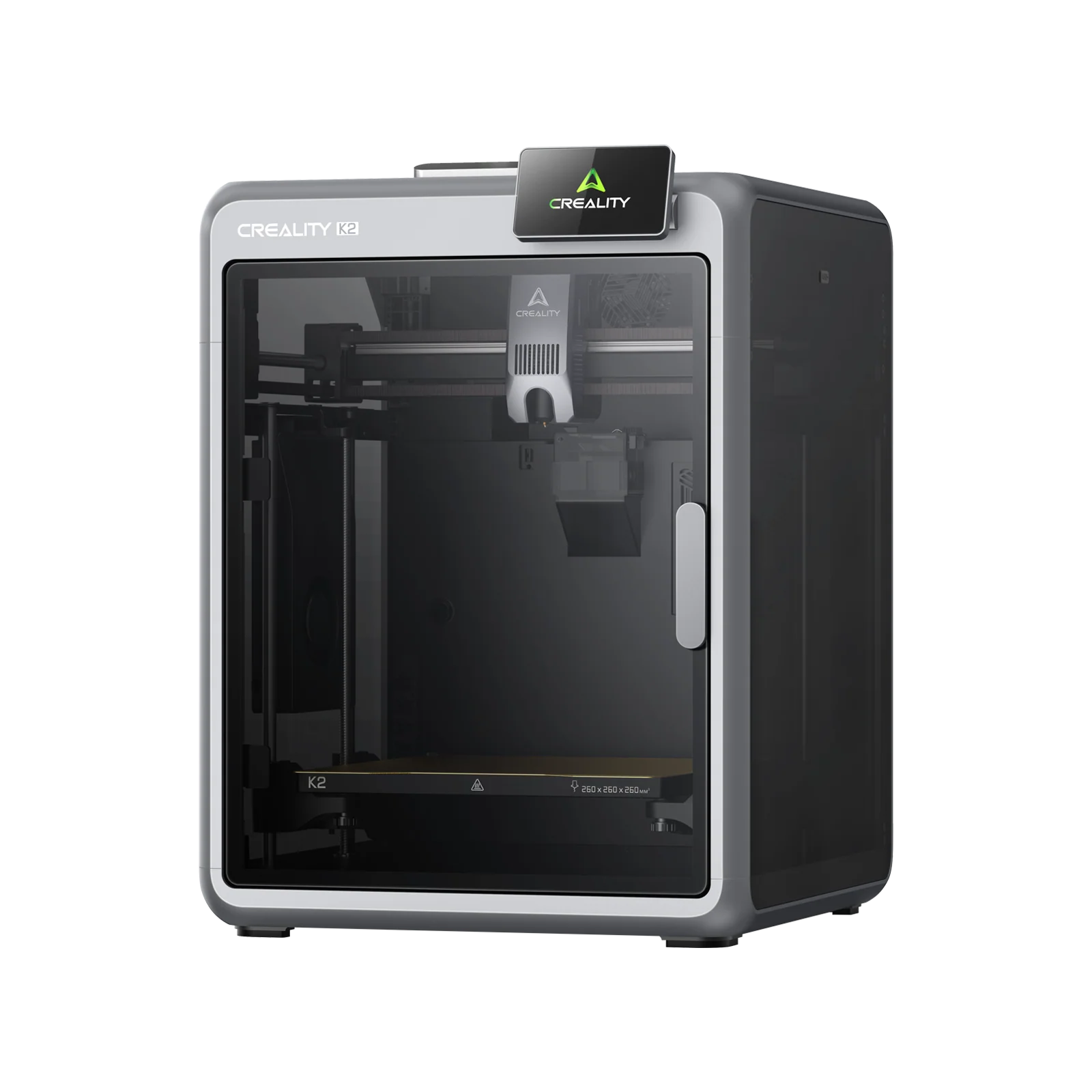
The Combo’s CFS component is the part to inspect if multicolor printing is the reason for choosing this package.
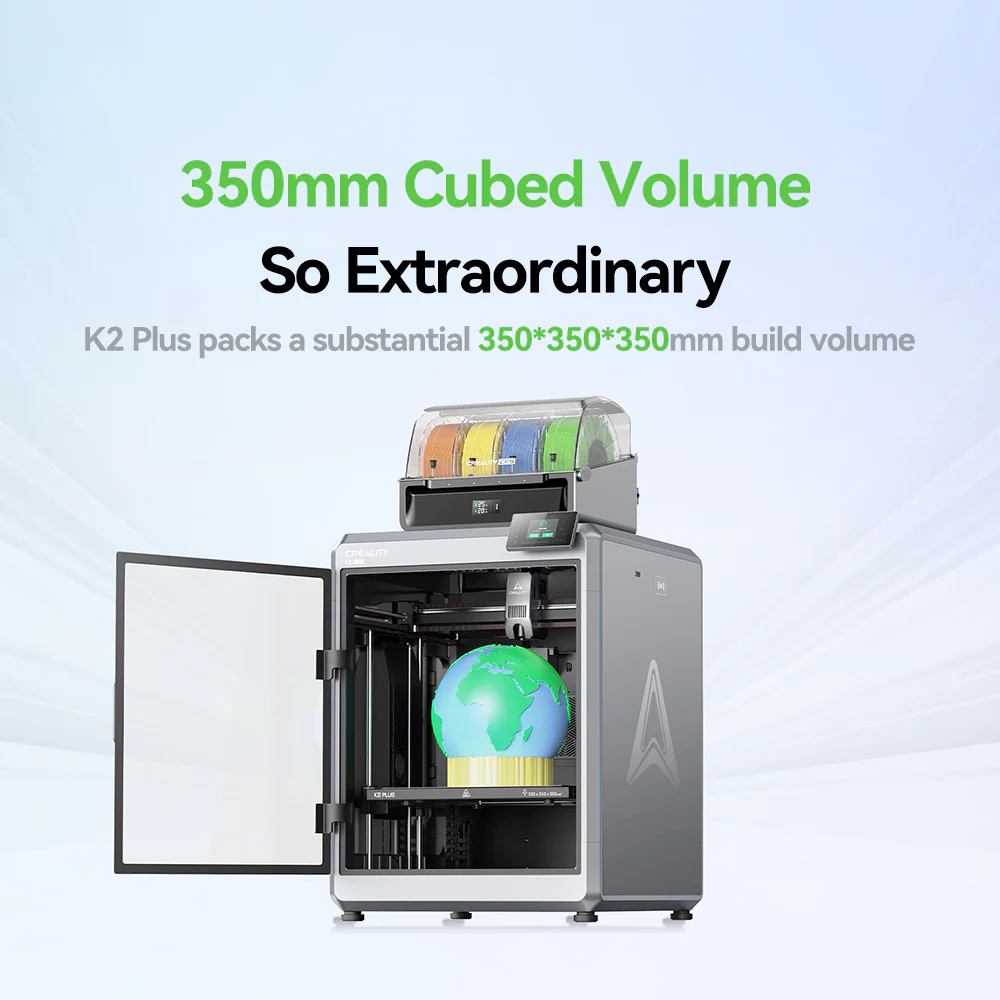
A bigger machine needs more space and a clear use case. If your prints are small, large-format capacity may go unused. Compare the K2 Plus Combo details with the standalone model and check which CFS units and accessories are included. Creality presents multiple combo configurations, so the name alone does not establish the box contents. Verify the selected bundle details before ordering.
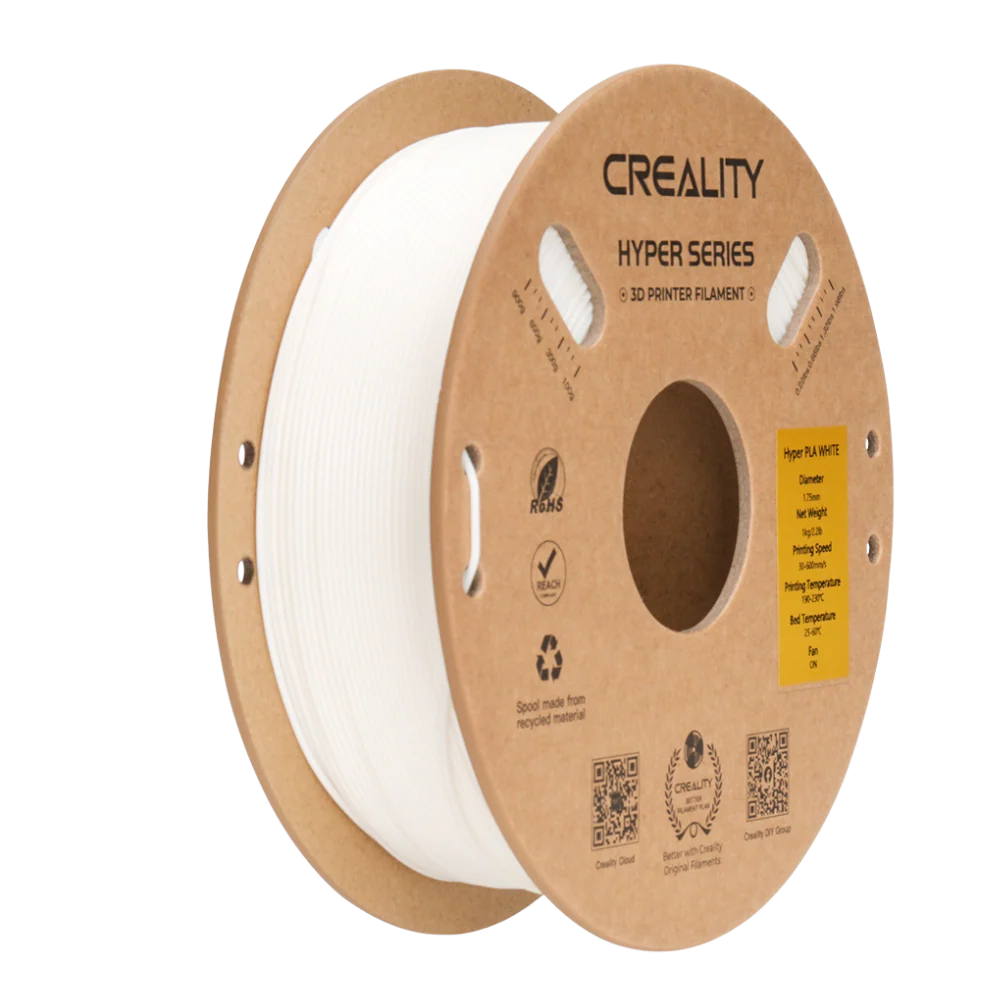
Filament selection also affects the final setup. PLA is a common choice for decorative objects and general prototypes, while other materials may better suit flexible or tougher parts. Check both the printer’s compatibility list and the filament’s own listing before adding a roll. The sale landing page links more than one category, and an accessory or material promotion may have different eligibility from a printer promotion.
Each offer needs a quick eligibility check
The central restriction is product-level eligibility: a promotion page can feature several departments without making every product part of the same deal. Stock status can vary, and product pages may show more than one model or bundle. Confirm the configuration and terms at selection instead of assuming that the image, collection card or sale banner describes every variant.
Before checkout, use this short sequence:
- Open the promotion section and follow the product link to its US store listing.
- Match the model name and variant to your intended printer or accessory.
- Read the current stock, shipping estimate, returns and warranty details shown for that item.
- Review the cart summary to see whether the selected configuration and any displayed offer carry through.
Do not rely on a general banner as confirmation of a final cart total, shipping qualification or return exception. Creality lists a 14-day return and refund policy and up to a 12-month warranty guarantee in its product-page information, but the item and policy pages are the final reference for conditions. Review the current shipping policy and warranty information before placing the order.
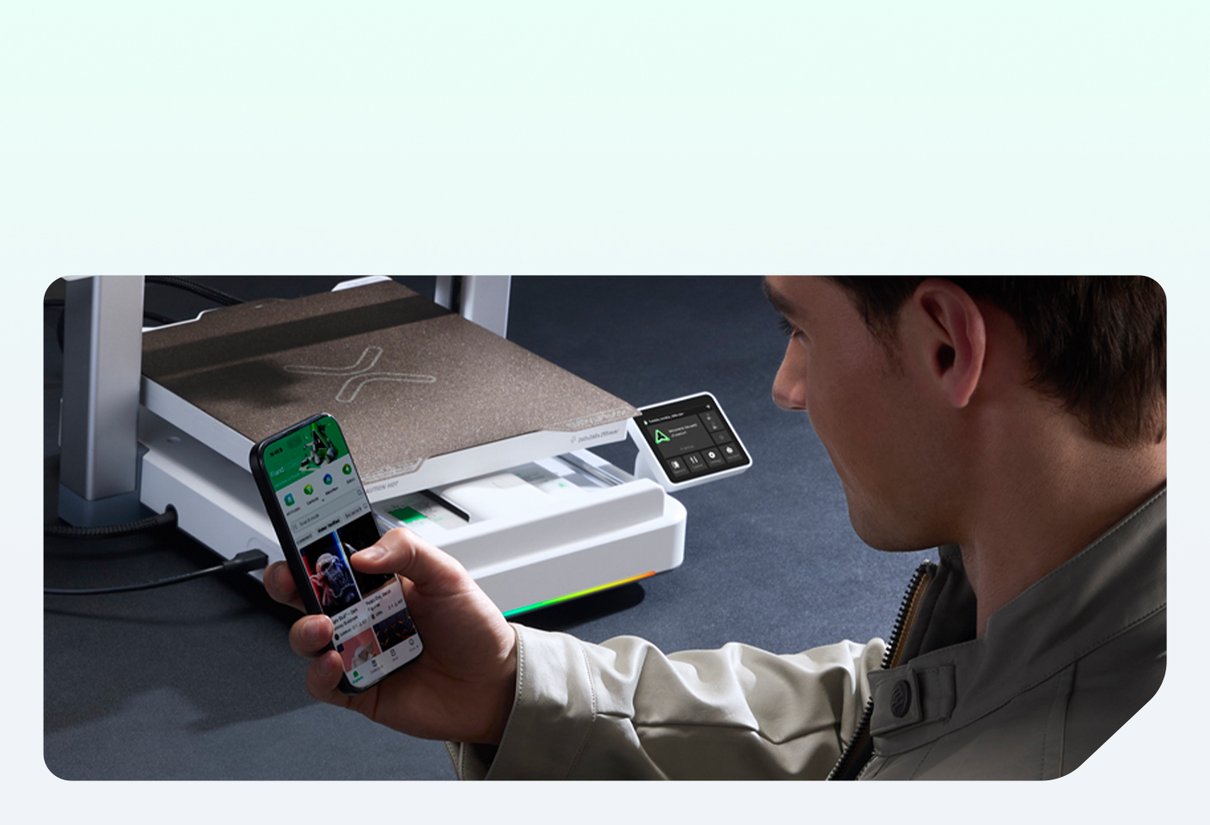
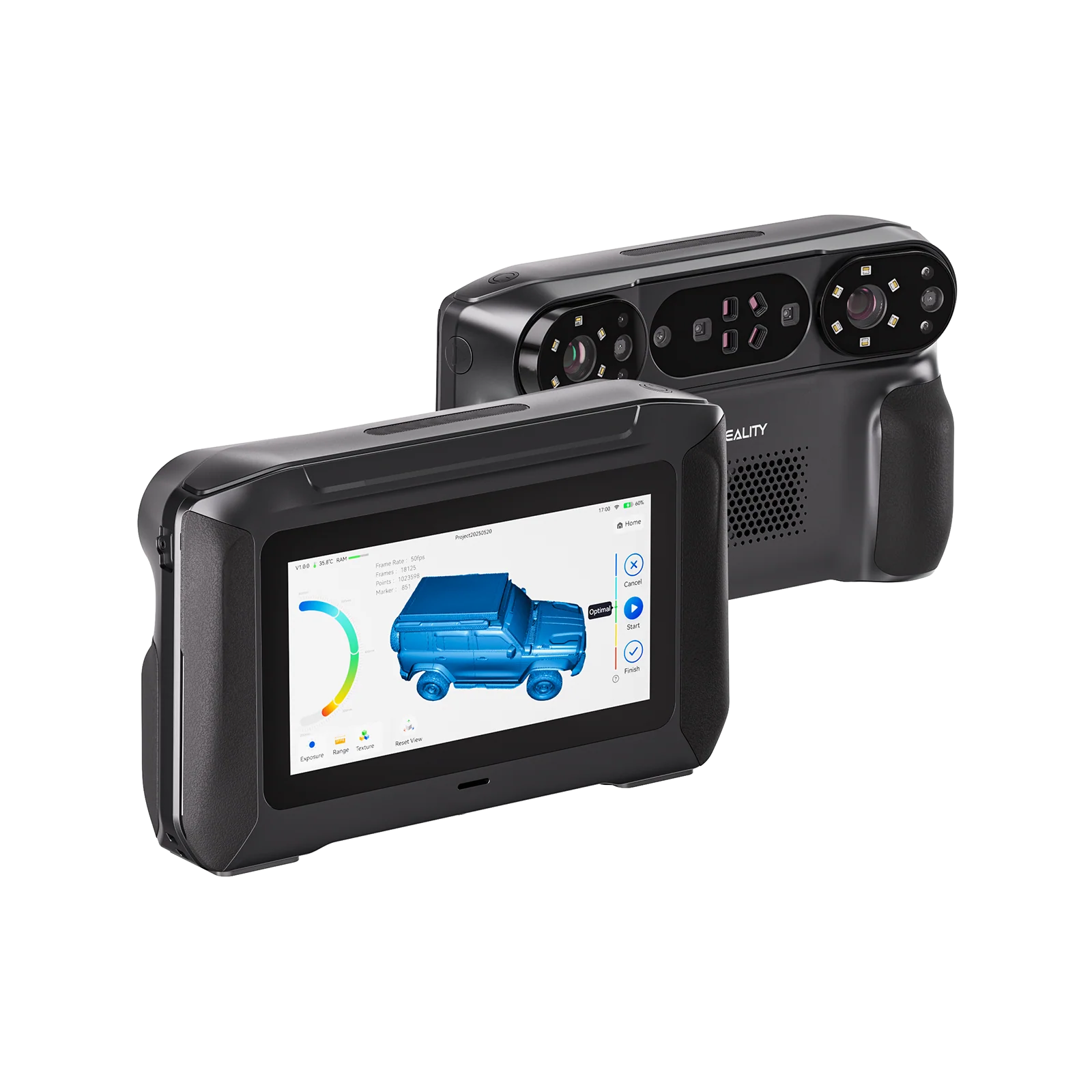
The product photos here represent several areas of the Creality catalog, not a promise that every pictured item appears in the seasonal offer. For a printer-focused browse, use the Creality 3D printer collection and compare its current listings with the featured selections. Readers who need capture tools rather than a printer can browse scanners separately; people replacing consumables should first confirm the material their existing machine supports.
The honest verdict
The CrealityOfficialStore seasonal sale page is most useful as a map to featured categories and products. It can help a shopper narrow a search across a starter machine such as the Ender-3 V3 SE, a more guided desktop choice such as the SPARKX i7, or a large multicolor setup such as the K2 Plus Combo. The right value depends on whether the listed capabilities solve a real printing need.
Its limitation is that category placement does not explain every restriction or confirm that all configurations share an offer. We recommend choosing the printer first, then checking its specific product page and cart details. If you are still comparing, the K3 product listing is another multi-material option visible through the store’s new-arrivals section, but its current availability and terms should be checked on that listing. You can also revisit the seasonal offer categories after narrowing your shortlist.
Use the sale page to find candidates, then rely on the item listing to confirm the configuration and offer.