



Match a seasonal project to Creality’s large-format, resin and multicolor tools, then check the product details that matter before choosing.
Halloween is a useful deadline for a maker project: there is a costume accessory to finish, a porch decoration to scale up or a prop that needs a custom fit. The hard part is choosing equipment for the work ahead, rather than buying for one afternoon and discovering the build area, material workflow or detail level is wrong.
We reviewed the current product information on the US CrealityOfficialStore. Its range covers printers, scanners, filament and accessories, so the right pick depends on whether a project is large, colorful, finely detailed or based on an object you already own.
Heads-up: we earn a commission from some links in this article. It never changes the price you pay.
The short version: For a large centerpiece or prop, start with the K2 Plus Combo 3D Printer or the Ender-3 V3 Mega, depending on the build size and setup you want. For scanning a real object before making a digital model, the Creality Pika 3D Scanner is the more relevant starting point. Confirm the current configuration and included components on each product page.
Seasonal builds reward planning before the printer choice
A Halloween project often combines small decorative parts with one or two larger pieces: a mask detail, a light cover, a nameplate or a prop that needs to stand up outdoors. Holiday crafting soon brings its own mix of ornaments, tabletop figures and personalized gifts. That spread is why build volume and project scale should come before speed claims or a seasonal banner.
Start by writing down what the finished object needs to do. A lightweight costume accessory has different requirements from a porch sign exposed to weather, and a sculpted miniature calls for a different workflow from a simple geometric decoration. Browse the official K2 Plus Combo product details alongside the Ender-3 V3 Mega listing only after that brief is clear.
- Measure the largest part and decide whether it can be split into sections.
- Choose the finish: visible layer lines may suit a prop, while small decorative details may need a finer process.
- Set a realistic timeline that includes design, setup, failed prints and finishing.
- Check materials and support for the specific product configuration before committing.
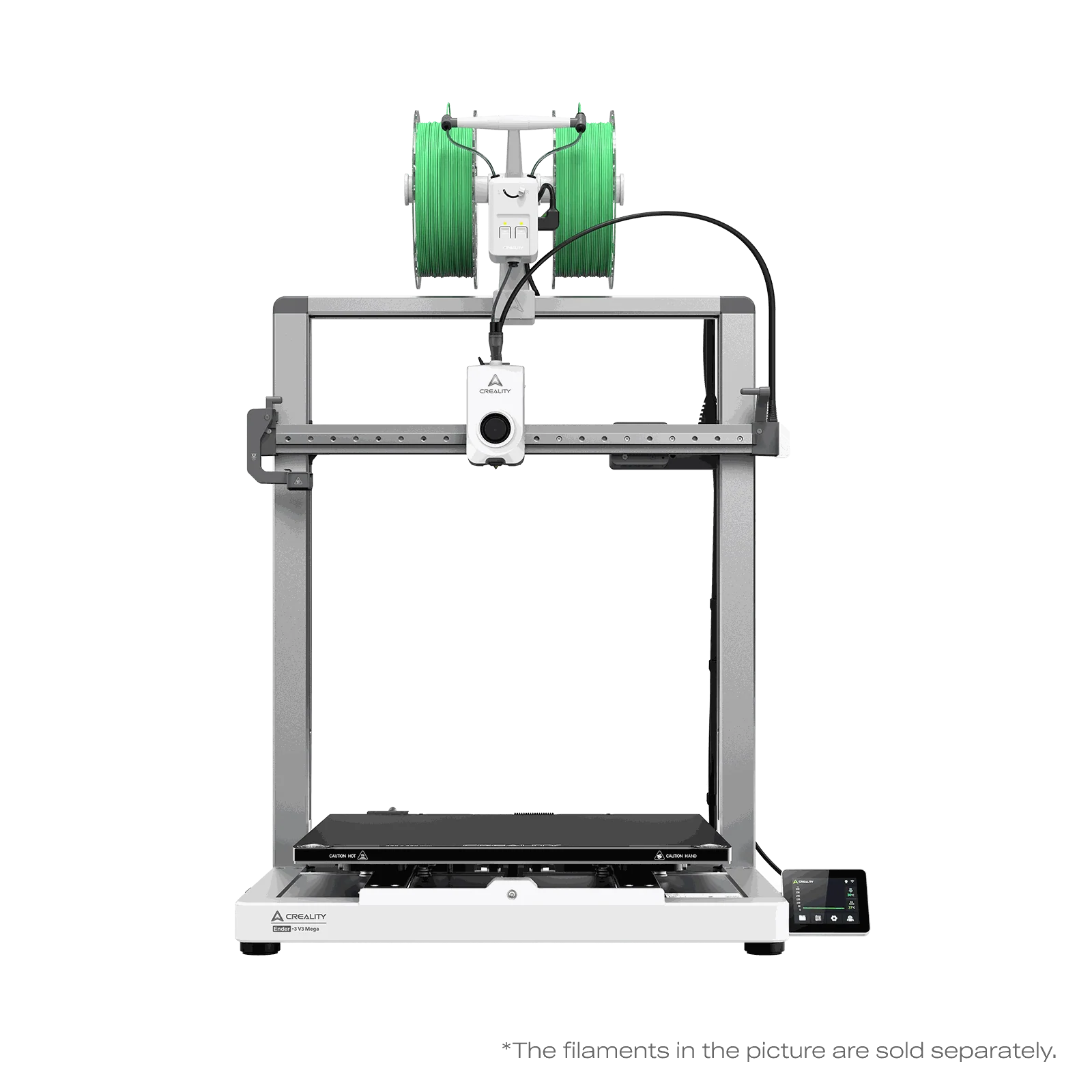
Those measurements make the Ender-3 V3 Mega a practical large-format candidate on paper. Its page lists a 420 x 420 x 420 mm build volume and support for 85A TPU. A larger build area can reduce the need to divide a prop into pieces, although it also means planning for the printer’s footprint and a suitable workspace. Review the Ender-3 V3 Mega configuration options and confirm which version fits the intended use.
Three Creality picks cover different seasonal workflows
These quick picks are based on the jobs each product page describes. We are not ranking print quality from hands-on use. Instead, the decision is about the kind of object you want to make and how much room the process gives you to work.
- For large parts: compare the K2 Plus Combo with the Ender-3 V3 Mega on build volume, configuration and material needs.
- For flexible, oversized builds: the Ender-3 V3 Mega page specifically notes large-format printing and 85A TPU support.
- For scanning objects: the Creality Pika 3D Scanner is listed as a 260 g portable scanner with dual-light scanning, AI-assisted processing and a built-in touchscreen.
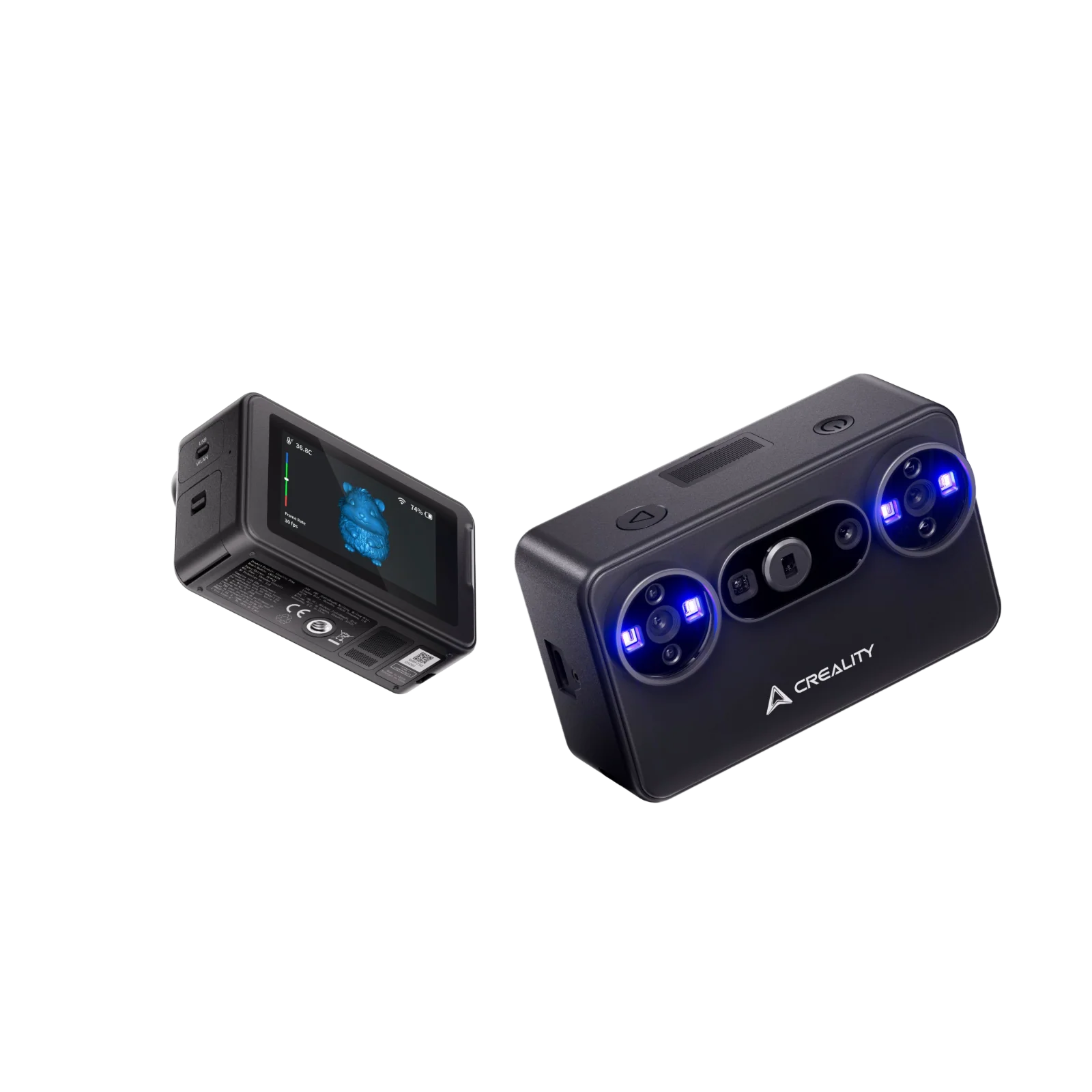
The Pika product listing is the clearest fit when a project starts with an existing object, such as a small keepsake or a shape you want to adapt into a prop. Scanning is only one part of that workflow: check the supported object sizes, surface limitations and software steps in the product information before treating it as a shortcut to a finished printable model.
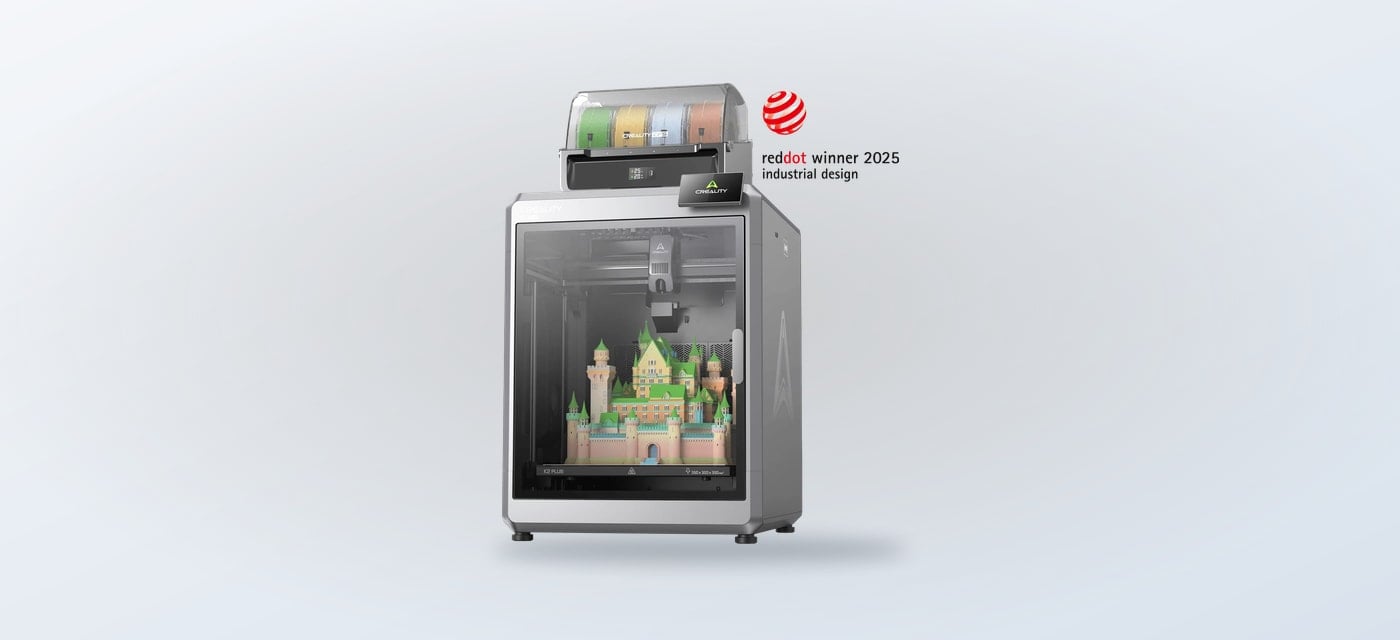
For a printer choice, the K2 Plus Combo listing describes a 350 x 350 x 350 mm build volume and a multicolor setup. That combination may make sense for larger decorations where color is part of the design. The Ender-3 V3 Mega page lists a bigger build volume, while its described TPU support could matter for selected flexible parts. Neither specification alone tells you the finished result: material choice, model design and calibration all affect it.
Build volume separates these seasonal printer options
Use this table to narrow the shortlist. The details are drawn from current product pages and can vary by selected bundle, so open the listing before settling on a configuration.
| Product | Best seasonal fit | Listed detail |
|---|---|---|
| K2 Plus Combo | Large, multicolor decor | 350 mm cube build volume |
| Ender-3 V3 Mega | Oversized props | 420 mm cube; 85A TPU support |
| Creality Pika | Object-based models | 260 g; dual-light scanning |
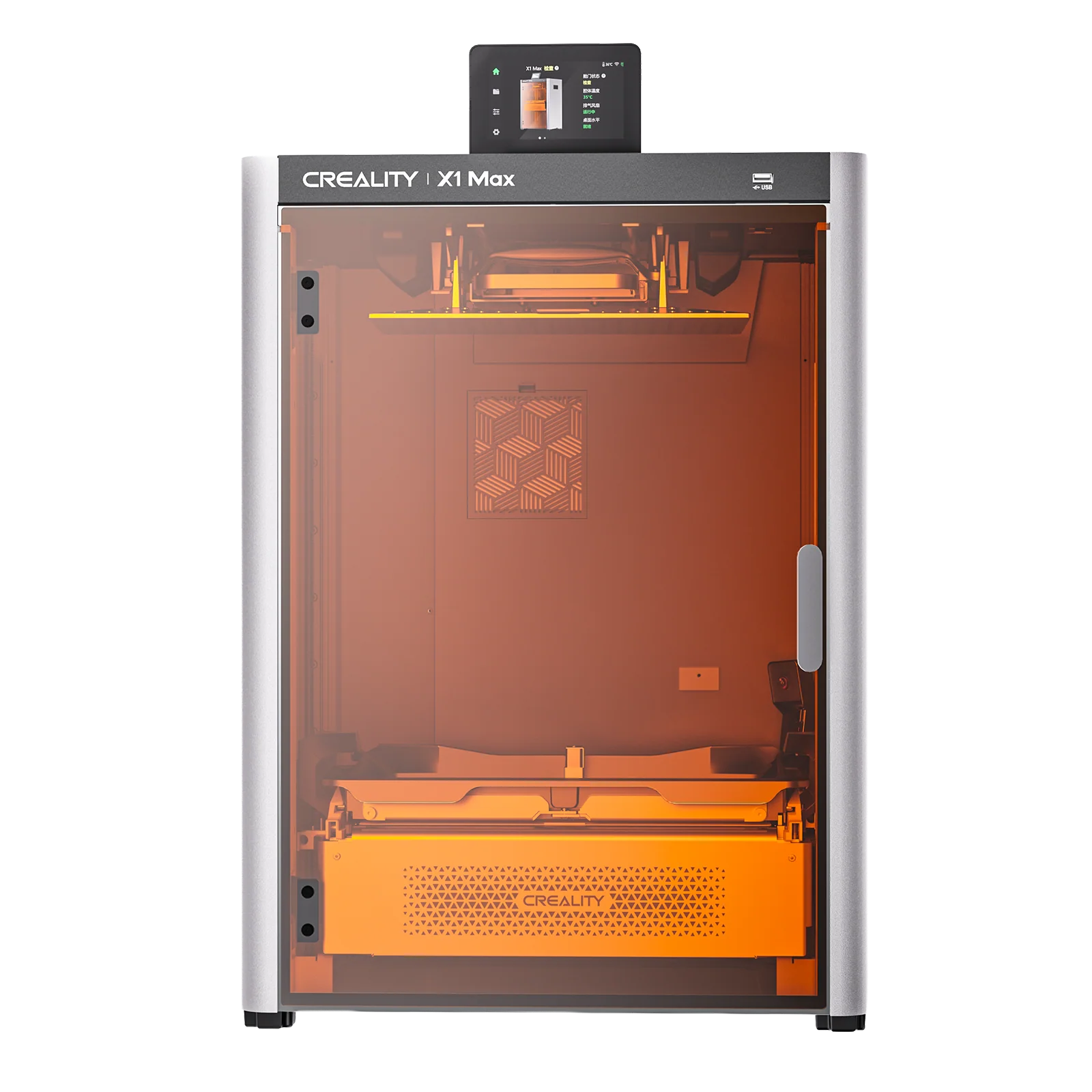
The K2 Plus Combo product page deserves a closer look if combining multiple colors is central to the design. It is a larger investment in space and setup complexity than a small-format craft tool, so seasonal use alone may not justify it. Compare its selected bundle details with the Mega’s configuration choices and decide whether the additional build area solves a recurring need.
Material and finishing choices shape the final project
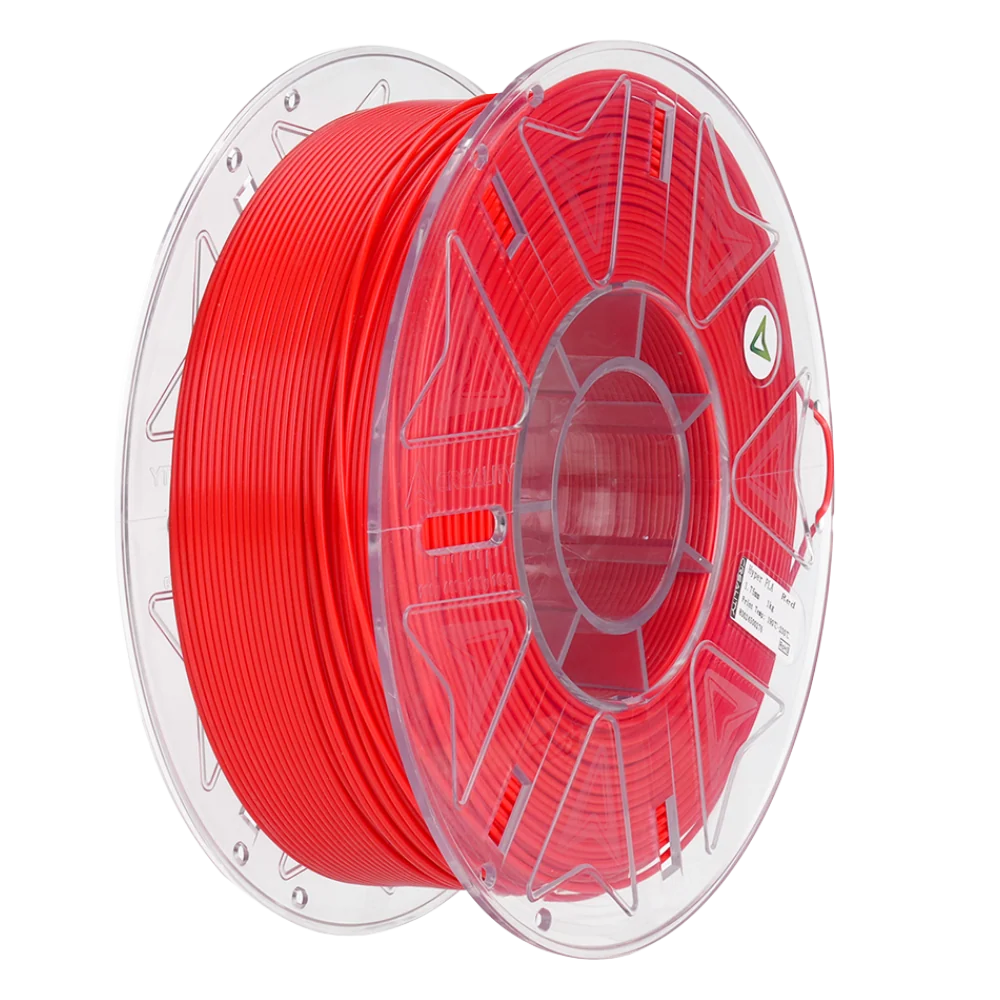
A printer is only one part of a seasonal build. Filament color, material behavior, support structures and post-processing all change how much time a project takes. On the Creality store, material choices sit alongside machines and accessories; check compatibility with the selected printer rather than assuming every spool or nozzle works across the range.
For props that need a flexible fit, the store’s Ender-3 V3 Mega page references 85A TPU support. That is a useful compatibility signal, not a promise that every flexible design will print easily. Review the product’s stated material support and the material guidance before using it for a wearable or load-bearing piece. For visible multicolor accents, revisit the K2 Plus Combo details and check the selected system configuration.
Plan the finish, too. A Halloween mask may need sanding, paint or a comfortable lining; a holiday ornament may need a hanging point designed into the model. Keep the design and its finishing steps simple when the date is close. A smaller, complete project is usually more useful than an ambitious print that still needs hours of cleanup.
Creality’s range includes resin printers as well as filament machines. If your seasonal ideas lean toward small sculptural details, compare that category and its handling requirements before choosing a format. This buying guide focuses on the three picks above because their listed features map clearly to scale, flexible material support and scanning; the store’s broader lineup may suit other workflows better.
Check delivery, returns and workspace before ordering
Seasonal deadlines make logistics part of the decision. The store says shipping is free and fast on selected products, but availability and delivery timing can differ by item and destination. Verify the estimate shown for the exact listing and configuration. Do not assume an order will arrive in time for a specific holiday simply because a general shipping message appears elsewhere on the site.
The store homepage lists a 14-day refund guarantee and a one-year warranty guarantee, while product pages may show their own support and return information. Read the current policy for the product and region before purchase, and keep packaging and order details until you have checked the item. The K2 Plus Combo page, Ender-3 V3 Mega page and Pika page are the right places to confirm the selected product’s current options.
- Measure the workspace, including room for ventilation, maintenance and material storage.
- Review the full bundle so included accessories match the setup you expect.
- Check support and compatibility for the materials and software your projects require.
- Confirm delivery and policy details on the US store listing before placing an order.

The scanner image is a reminder that scanning and printing solve different parts of a project. The specific recommendation here remains the Creality Pika 3D Scanner when portability and the listed touchscreen matter. Check its workflow details first, then decide whether modeling from scratch would be simpler for the seasonal object you have in mind.
The honest verdict
For a seasonal maker buying decision, start with the project dimensions and how often you expect to use the machine after Halloween. The Ender-3 V3 Mega makes the clearest case for oversized builds from its listed build volume, while the K2 Plus Combo is the more relevant option when multicolor output and a substantial build area matter. Choose the Pika only when scanning is a real part of your process.
The limitation is straightforward: these machines need space, setup and time for learning and finishing, so a single holiday project may not warrant a dedicated purchase. Check current options, compatibility, delivery and support on the US product pages before deciding.
Choose the tool around the projects you will keep making after the seasonal deadline passes.